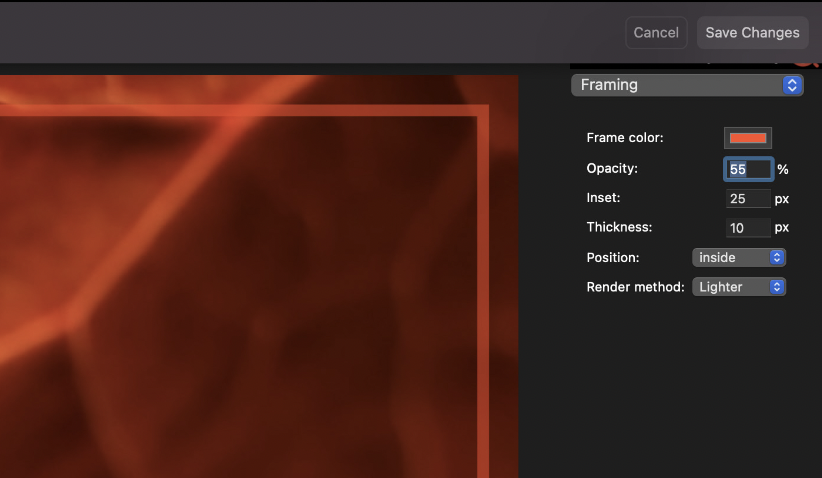
From within Apple Photos® you have access to 'piQtility for Photos'.
See screenshot above (right on top) and look for the icon (•••),
select 'piQtility for Photos', and discover functions as:
- Framing
- Add Tint
- Roundings
- Filters
How to activate?
- Install/move piQtility app in your mac's "APP" folder
- Register piQtility(!)
- Launch Apple Photos® and go!