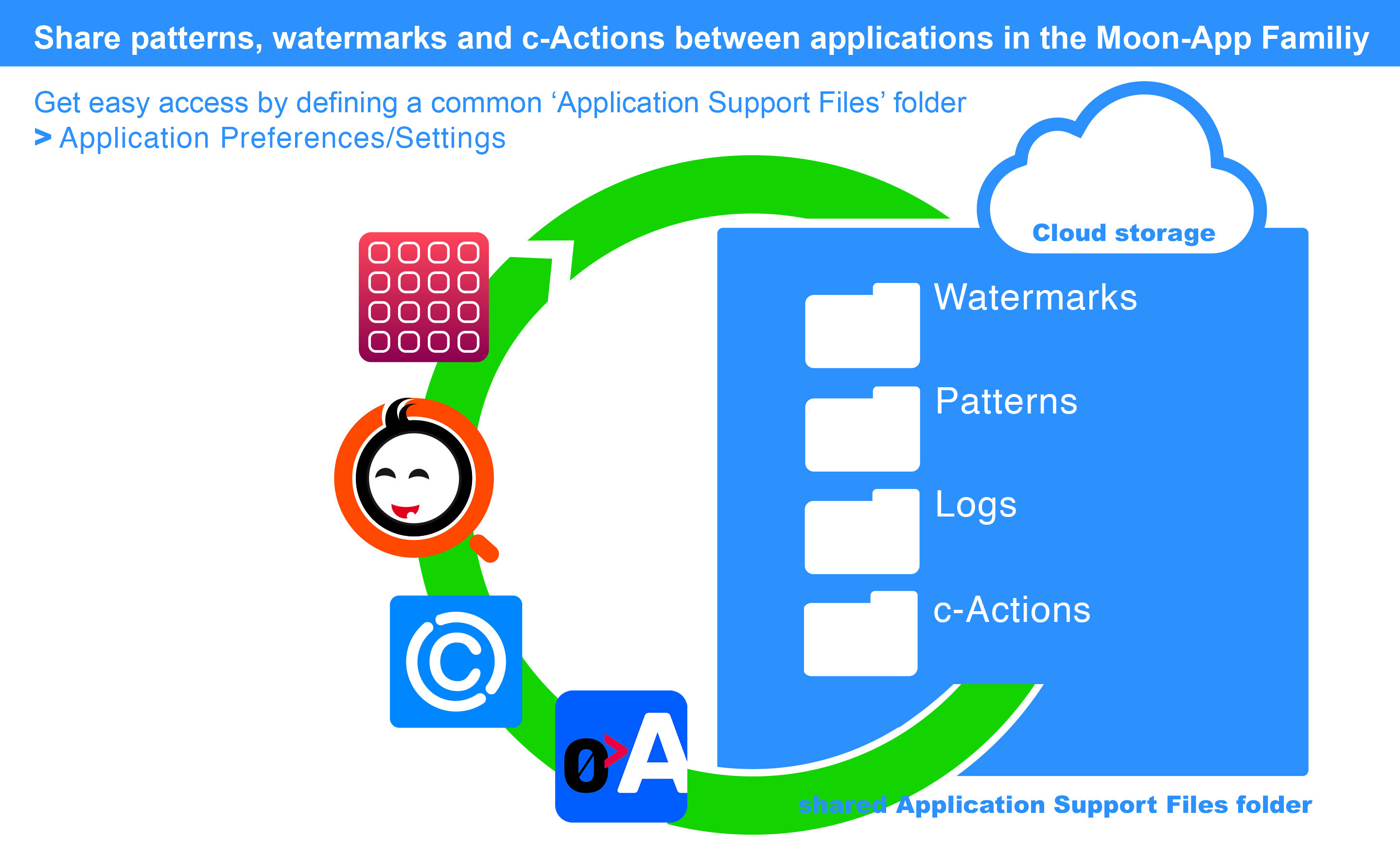
Inter application integration
For the Adobe InDesign® user
Did you know you can call piQtility directly as image editor from a selected image on your page?
1. 'Ctrl + click' the photo on your InDesign page
2. a contextual menu appears
3. select: 'Edit With'
4. select: 'piQtility'
5. the photo will open directly in piQtility
6. edit and save the photo in piQtility
7. changes are directly visible in your InDesign layout.