

ma Watermarker
macOS 14 and higher | For both Intel® and Silicon® Macs
 mac.informer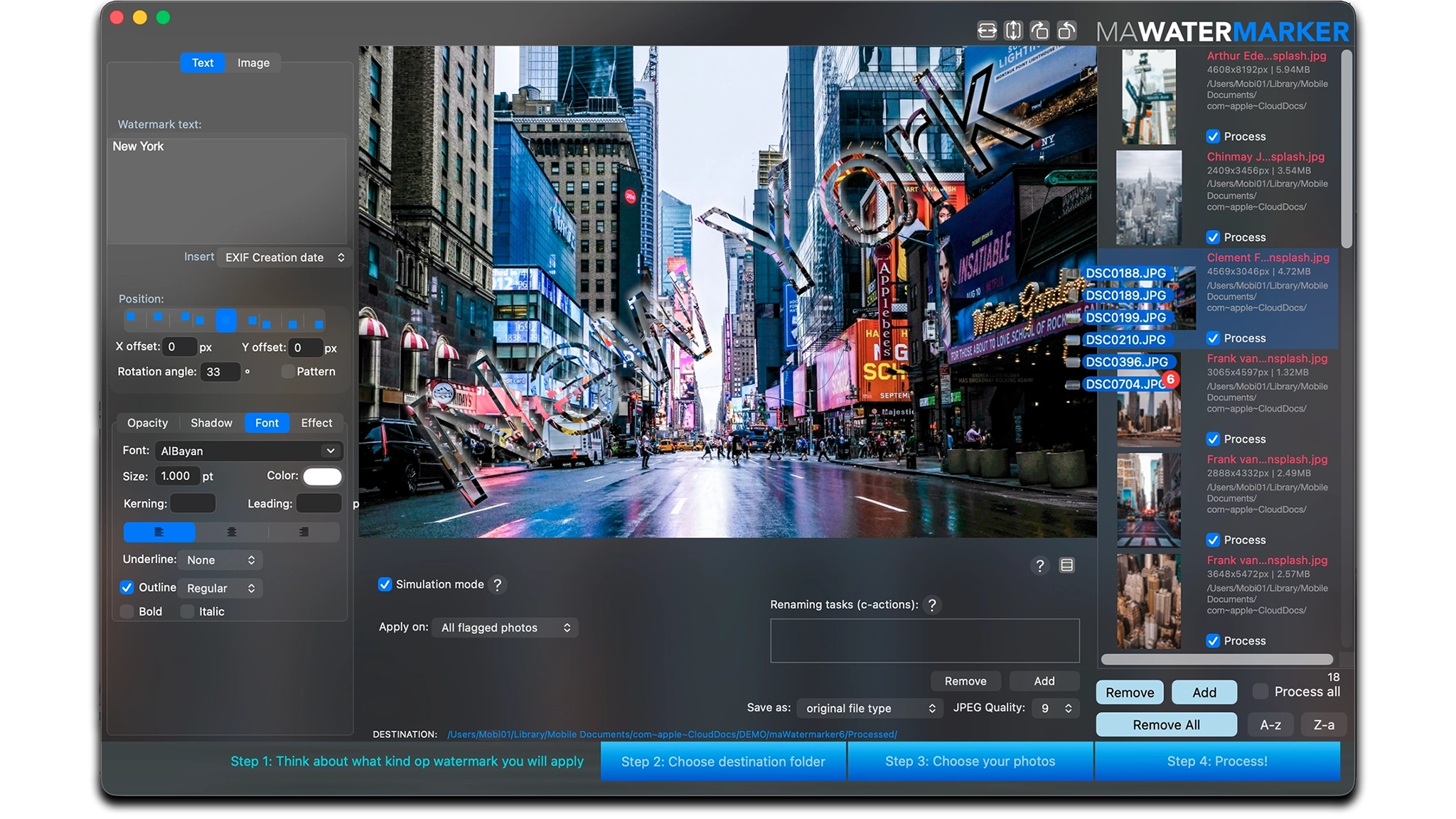
maWatermarker: The Batch Watermark App for Mac.
maWatermarker is a user-friendly macOS application that turns your watermarked photos into visually stunning creations.
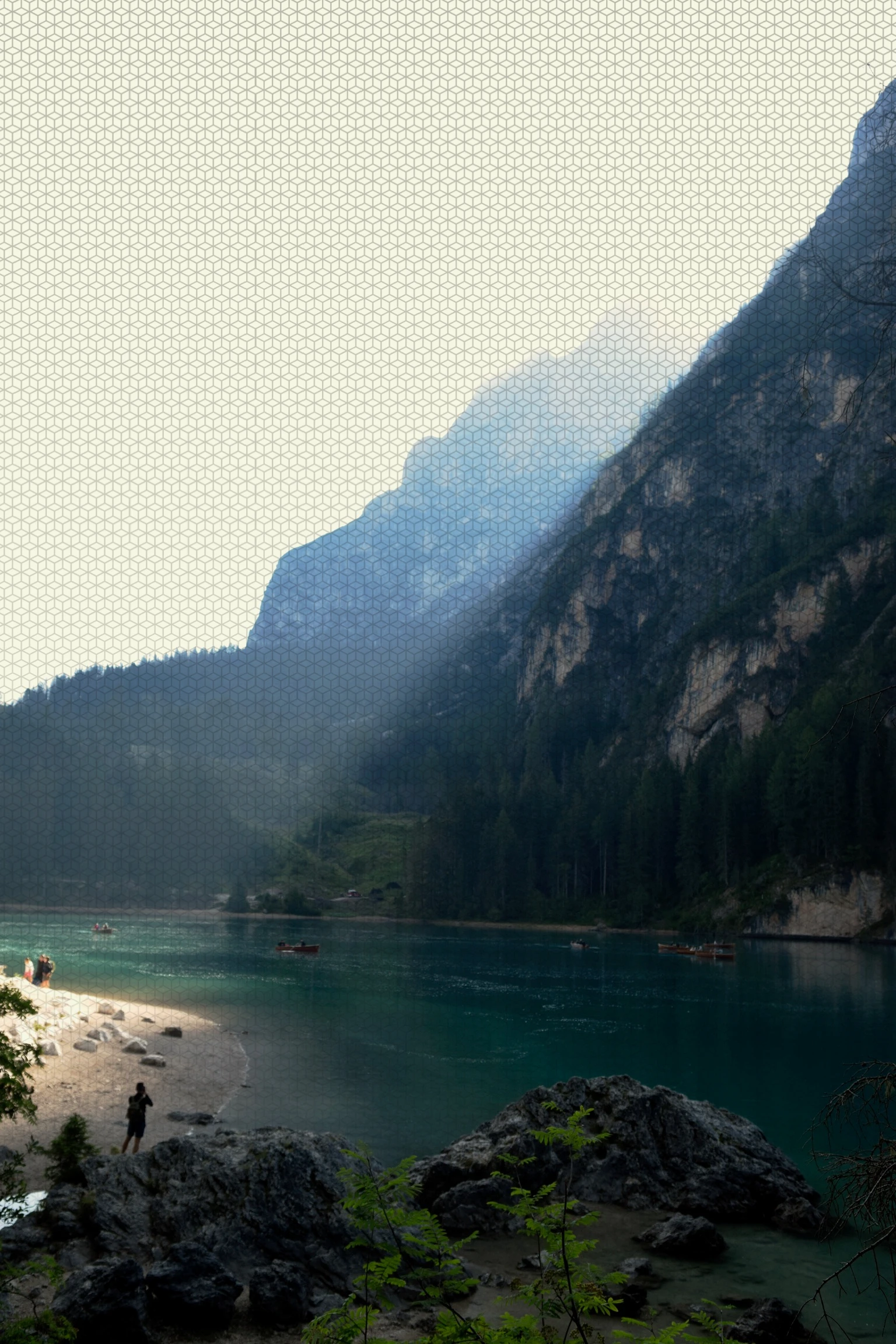
With a centralized asset library and over 40 built-in patterns, it offers unmatched flexibility for both text and image watermarking.
Key Highlights:
- Centralized management of patterns, watermark assets, and custom actions.
- Single or batch processing with precision watermark placement, resizing, and styling.
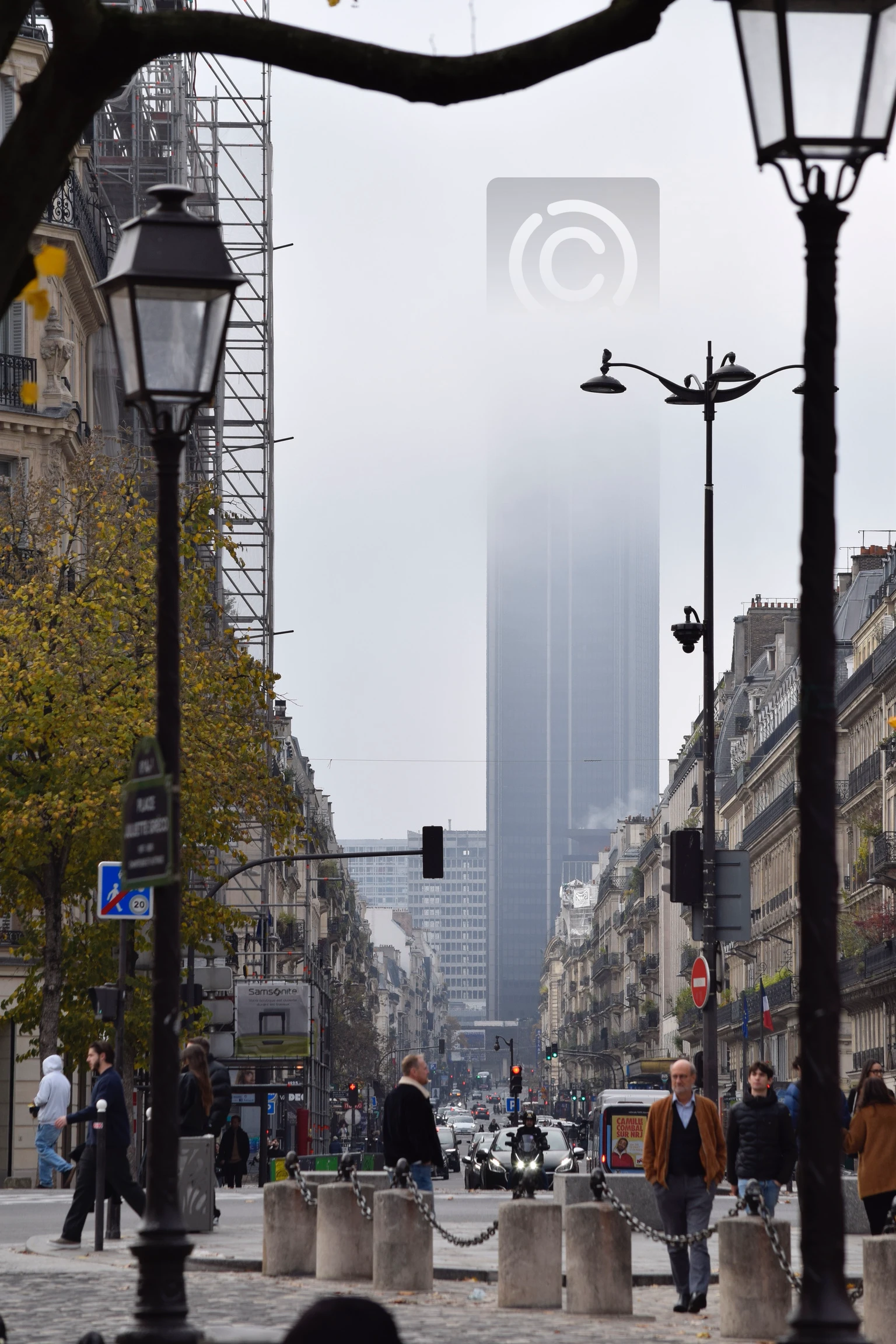
- Advanced creative tools including emboss effects, fade-outs, EXIF tagging, filters, rotation, opacity, shadows, and more.
- Broad format support, including WEBP, HEIC, JPEG, PNG, TIFF, PDF, and others.
- Smart file handling with c-actions for automated renaming and preset storage for quick reuse.
- Orientation-based processing for landscape, portrait, or square images.
From subtle branding to artistic overlays,
maWatermarker gives you full control to watermark your images with style and accuracy.
maWatermarker 6
Your watermark app
Polished.







A frequently asked question about adding watermarks:
Why add a watermark?
- To protect your photos and clearly show that they belong to you
- To discourage unauthorized use or sharing of your images
- To promote your website, webshop, social media page, or business
- To build your personal style or brand, with a recognizable signature on every photo
When not to add a watermark?
- If the watermark is too large or unattractive
- If it is so distracting that it takes attention away from the photo itself
Why choose maWatermarker to watermark your pictures?
- Because it helps you avoid all the usual downsides of watermarks
- Easily watermark large numbers of photos at once.
- Automatic watermark sizing, perfectly adjusted to each photo’s pixel dimensions.
- Add text watermarks with dynamic information, such as:
- creation date
- image size (width and height)
- user comments or other EXIF data
- etc... - Save your watermark settings as presets, so you can apply the same style again later.
- Designed for subtlety — your watermark stays elegant, readable, and unobtrusive
- A future-proof choice:
maWatermarker is actively developed, with regular updates and improvements you can rely on.
Watermark features
- Relative positioning
- Customize watermark
- Apply watermark filters
- Save watermark presets